What Makes a Business Website Actually Generate Leads?
A business website should do more than look professional. Learn the essential elements that turn website visitors into qualified enquiries and customers.
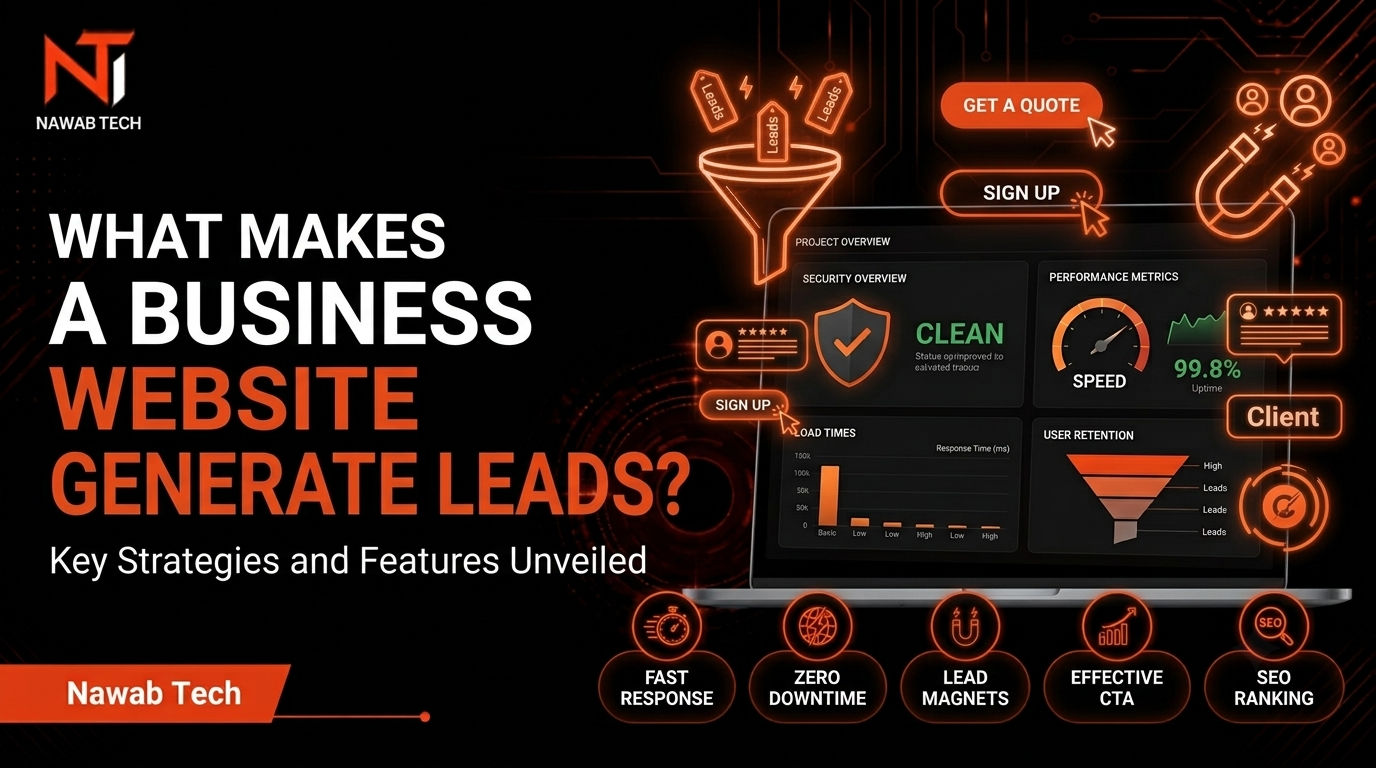
A business website doesn't need dozens of animations, complicated layouts, or the latest design trend to generate leads.
It needs to answer a few important questions quickly:
What does this business do?
Who is it for?
Why should I trust it?
What should I do next?
If visitors can't answer those questions, a beautiful website can still fail to generate enquiries.
1. Make the Value Proposition Obvious
A visitor shouldn't have to study your homepage to understand what you offer.
Your headline should communicate:
- What you provide
- Who you help
- What outcome you create
For example:
"Custom software for businesses that have outgrown spreadsheets."
is more useful than:
"Digital solutions for the future."
The second sounds professional but doesn't actually communicate anything specific.
Clarity wins.
2. Show the Problem You Solve
Customers don't necessarily care about your technology stack.
They care about their problem.
Instead of filling the website with:
- Next.js
- React
- TypeScript
- APIs
- Cloud infrastructure
explain what the technology achieves.
For example:
Replace repetitive spreadsheet workflows with a system your team can actually use.
That connects technology to a business outcome.
3. Build Trust
A visitor needs a reason to believe you can deliver.
Useful trust signals include:
- Real projects
- Case studies
- Testimonials
- Clear service descriptions
- Professional contact information
- Transparent process
- Relevant experience
Don't fill the website with artificial claims.
Specific evidence is much stronger.
4. Make the Next Step Obvious
A website should guide visitors.
Don't make someone search through the navigation to figure out how to contact you.
Useful calls to action include:
Start a project
Discuss your project
Request a consultation
Tell us about your workflow
The CTA should describe what happens after clicking it.
5. Don't Overload the Homepage
One common mistake is trying to put everything above the fold.
A homepage doesn't need:
- 15 animations
- 20 cards
- Multiple gradients
- Huge testimonials
- Endless statistics
- Every possible service
Visitors need information, not visual noise.
A strong page creates a clear path:
Problem → Solution → Evidence → Process → Services → CTA
6. Website Speed Matters
A website that looks impressive but loads slowly creates a poor experience.
Performance matters for both users and search visibility.
Keep an eye on:
- Image sizes
- JavaScript
- Fonts
- Third-party scripts
- Layout shifts
- Mobile performance
The goal isn't to make a website technically impressive.
The goal is to make it feel fast.
7. SEO Should Be Built Into the Website
SEO isn't something you simply add after the website is finished.
A search-friendly website needs:
- Useful content
- Clear page structure
- Descriptive titles
- Strong meta descriptions
- Internal linking
- Semantic HTML
- Crawlable pages
- Fast performance
- Mobile usability
- Relevant service pages
Most importantly, the content should satisfy the searcher's intent.
8. Create Dedicated Service Pages
If you offer several services, don't put everything on one generic page.
For example:
- Business Website Development
- Custom Web Application Development
- Dashboard Development
- Automation & Integrations
Each page can target a specific problem and search intent.
This gives search engines more context and gives potential customers a much clearer explanation of what you actually provide.
9. Use Content to Answer Buying Questions
A company considering custom software might search:
How much does a custom web application cost?
Or:
Custom software vs SaaS
Or:
How can I automate repetitive business tasks?
These searches often happen before someone contacts a developer.
Useful articles can answer those questions and introduce your services naturally.
That is far more valuable than publishing generic posts simply to have a blog.
10. A Website Should Sell the Next Conversation
Your website doesn't necessarily need to close the entire sale.
For a custom development project, the first conversion may simply be:
A qualified enquiry.
The website's job is to make that next conversation easy.
At Nawab Tech, the approach is straightforward:
Understand the problem → recommend the right solution → build what actually helps the business.
If your current website isn't generating the enquiries you'd expect, start a conversation with Nawab Tech.