How Much Does a Custom Web Application Cost in 2026?
A practical guide to custom web application costs in 2026, including development factors, typical budgets, timelines, and when a custom solution makes sense.
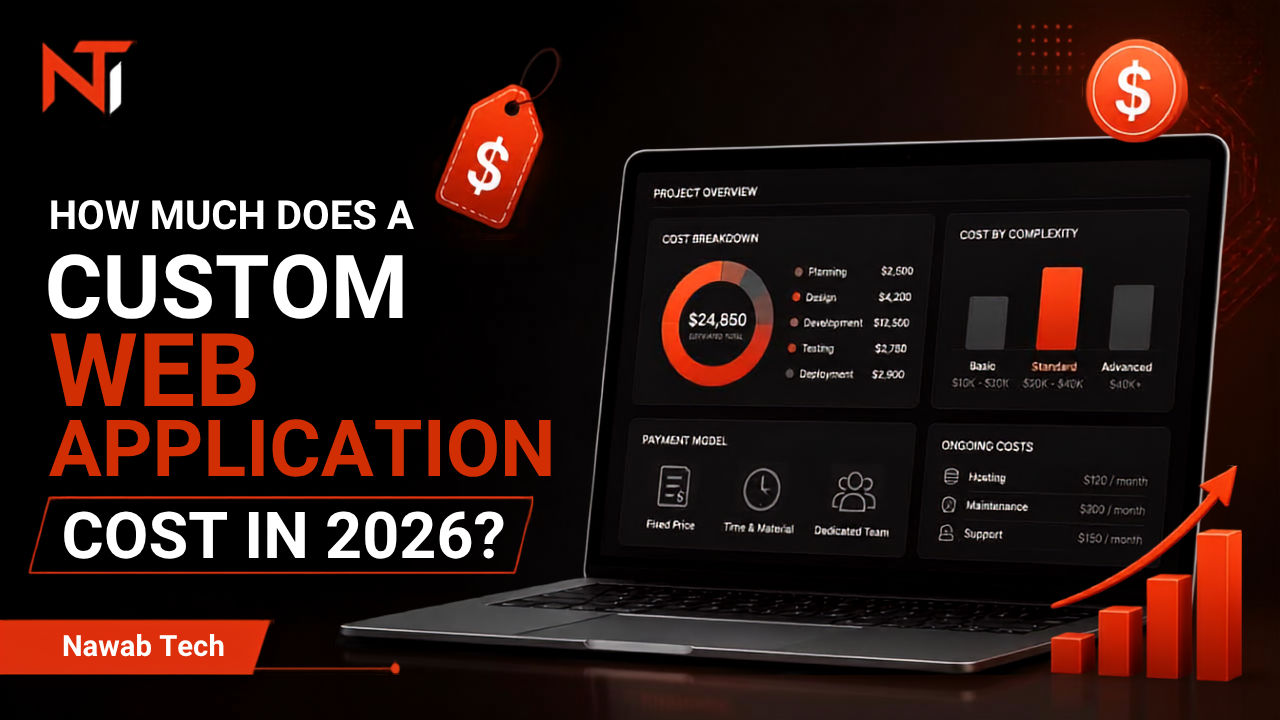
A custom web application can cost anywhere from a few thousand dollars to tens or even hundreds of thousands of dollars. The reason for such a wide range is simple: a web application is not a single type of product.
A customer portal, employee dashboard, booking system, CRM, marketplace, and financial management platform can all be called web applications, but they require very different levels of development.
The right question is therefore not simply "How much does a web application cost?"
The better question is:
What does your business actually need the application to do?
What Is a Custom Web Application?
A custom web application is software built specifically around a business's processes, users, and requirements.
Instead of changing your workflow to fit an existing tool, the software is designed around the workflow.
For example, a business might need:
- A customer portal
- An internal dashboard
- A booking system
- A quotation management system
- An inventory application
- A reporting platform
- A CRM
- An employee management system
- An automated order-processing system
These are very different projects even though they all run inside a web browser.
Typical Custom Web Application Costs
There is no universal price, but a useful starting point is:
| Project type | Typical starting range |
|---|---|
| Small internal tool | $2,000–$5,000 |
| Business dashboard | $3,000–$8,000 |
| Customer portal | $5,000–$15,000 |
| Custom business application | $8,000–$25,000+ |
| Complex SaaS platform | $20,000–$100,000+ |
These are broad international estimates rather than fixed prices.
A developer working from Pakistan may offer significantly different pricing from an agency operating in the United States, United Kingdom, or Western Europe.
The important thing is to compare the scope and outcome, not simply the hourly rate.
What Determines the Cost?
1. Number of Features
The simplest factor is the amount of functionality required.
A dashboard displaying five metrics is relatively straightforward.
A platform with authentication, multiple user roles, payments, notifications, reporting, file management, integrations, and complex business rules requires substantially more development.
2. User Roles
A system where everyone has the same permissions is easier to build than one with multiple roles.
For example:
- Owner
- Administrator
- Manager
- Employee
- Customer
Each role may require different screens, permissions, and workflows.
3. Integrations
Integrations can significantly affect development time.
Examples include:
- Stripe
- PayPal
- Google APIs
- Microsoft APIs
- Email platforms
- Accounting software
- CRM systems
- Shipping providers
The complexity depends on both the API and the workflow surrounding it.
4. Automation
Automation is often where custom software provides the greatest business value.
Instead of an employee repeatedly:
- Receiving an enquiry
- Copying information
- Updating a spreadsheet
- Sending an email
- Creating a task
- Updating another system
a custom application can connect these steps into one workflow.
The development cost matters, but the hours saved every month may matter much more.
Should You Build a Custom Application?
Not every business needs custom software.
If an existing SaaS product solves your problem well, using it is often the smarter choice.
Custom development becomes more attractive when:
- Your workflow is unusual.
- Employees repeatedly perform manual tasks.
- You rely heavily on spreadsheets.
- Multiple tools don't communicate with each other.
- Existing software forces you into an inefficient workflow.
- You need functionality competitors cannot provide.
- Your business is growing and the current process is becoming difficult to manage.
The goal isn't to build software simply because you can.
The goal is to remove a business problem.
How Long Does Development Take?
A small application might take several weeks.
A more sophisticated platform can take several months.
The timeline depends on:
- Requirements
- Number of screens
- Backend complexity
- Integrations
- Authentication
- Testing
- Revisions
- Deployment
A professional development process should therefore start with requirements rather than immediately quoting a number.
Don't Start With Features
One of the biggest mistakes businesses make is starting with a feature list.
Instead, start with the workflow.
Ask:
What happens today?
For example:
A customer submits a request → employee checks email → information is copied into a spreadsheet → manager approves it → employee sends confirmation.
Now you can identify opportunities for improvement.
Perhaps the better workflow is:
Customer submits request → system creates record → manager receives notification → manager approves → customer automatically receives confirmation.
That difference is where custom software creates value.
Why Nawab Tech Builds Custom Web Applications
At Nawab Tech, the focus isn't on producing another generic website or adding unnecessary features.
The goal is to understand how a business works and build the digital system around that workflow.
That can mean a custom dashboard, customer portal, internal application, automation, or a complete business platform.
If your current process involves spreadsheets, repetitive manual work, disconnected tools, or a workflow that doesn't fit existing software, a custom application may be worth exploring.
Start with the problem, not the technology.
If you already know what you want to build, you can start a project with Nawab Tech.