How to Automate Repetitive Business Tasks With a Custom Web App
Discover how custom web applications can automate repetitive business tasks, reduce manual work, connect disconnected tools, and improve everyday operations.
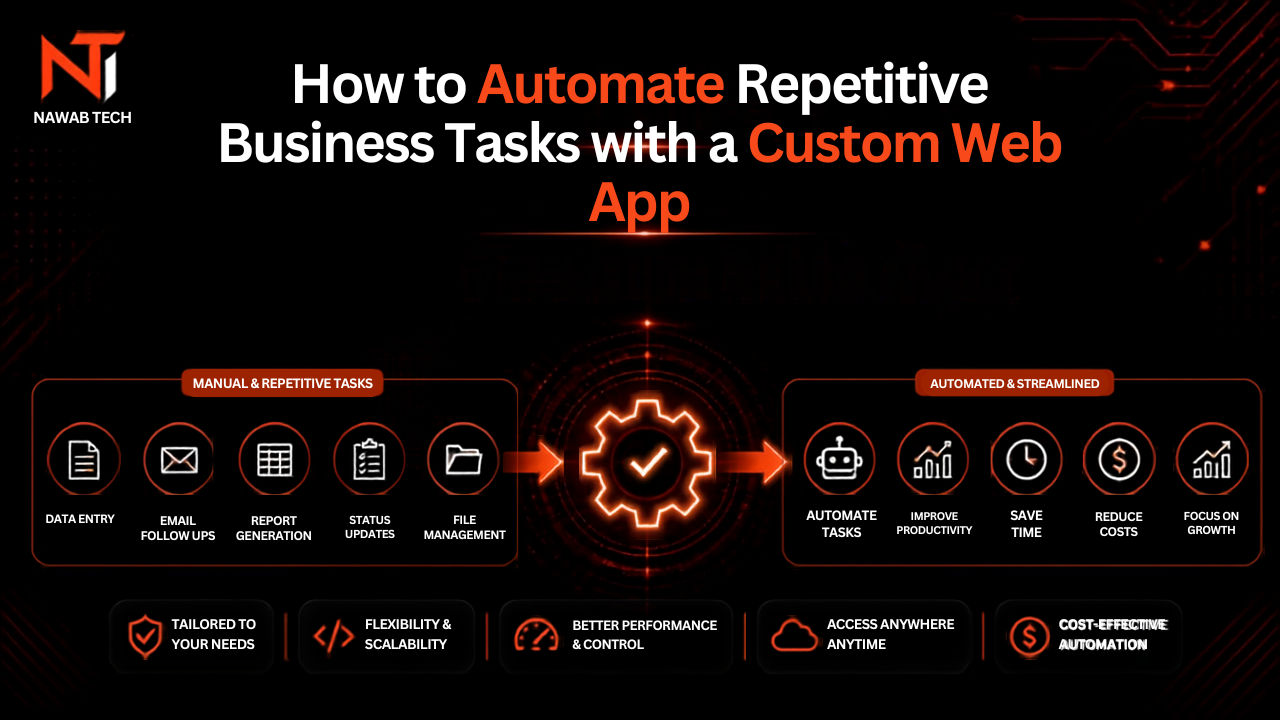
Every business has repetitive work.
Someone copies information from an email into a spreadsheet.
Someone sends the same notification every afternoon.
Someone checks whether a payment arrived.
Someone creates the same report every week.
Someone moves data from one system to another.
Individually, these tasks may seem insignificant.
Together, they can consume hundreds of hours every year.
This is where business automation becomes valuable.
What Is Business Process Automation?
Business process automation means using software to perform repetitive steps with minimal manual intervention.
A simple workflow might look like:
Customer submits form → system creates record → employee receives notification → customer receives confirmation.
Without automation, the same workflow might require several manual steps.
The goal isn't to remove people from the process.
The goal is to remove unnecessary work from people's day.
Start With the Workflow
Don't begin by asking:
"What can we automate?"
Start with:
"What do we repeatedly do?"
Look for processes that are:
- Repetitive
- Rule-based
- Time-consuming
- Error-prone
- Dependent on spreadsheets
- Dependent on copying information
- Spread across multiple tools
These are strong automation candidates.
Example: Lead Management
Imagine a business receives leads through its website.
The manual process might be:
- Check email.
- Read the enquiry.
- Copy the customer's information.
- Add it to a spreadsheet.
- Notify the sales team.
- Send a confirmation email.
- Create a follow-up reminder.
A custom web application can turn this into:
- Customer submits enquiry.
- System stores the lead.
- Sales team receives notification.
- Customer receives confirmation.
- Follow-up task is created automatically.
The employee can focus on actually talking to the potential customer.
Example: Reporting
Reporting is another common source of repetitive work.
A company might collect information from:
- Sales software
- Google Analytics
- Spreadsheets
- Payment systems
- CRM
- Internal databases
An employee then spends hours combining everything into a report.
A custom dashboard can bring the information into one place.
Instead of preparing the report every Monday, the dashboard can update automatically.
What Can a Custom Web App Automate?
Almost any workflow involving predictable digital steps can potentially be automated.
Examples include:
Lead Management
Automatically capture, organize, assign, and follow up with leads.
Customer Onboarding
Automatically create accounts, send emails, assign tasks, and track progress.
Internal Approvals
Route requests to the correct manager and record approval history.
Reporting
Combine data from multiple sources into a single dashboard.
Notifications
Send the right notification when a specific event happens.
Data Synchronization
Keep information synchronized between different systems.
Don't Automate a Broken Process
This is one of the most important rules.
If the current process is unnecessarily complicated, automating it doesn't necessarily solve the problem.
You may simply create:
An automated inefficient process.
Before building software, simplify the workflow.
Then automate it.
Custom Software vs Automation Tools
Tools such as Zapier and Make can be excellent for straightforward automation.
For example:
New form submission → send Slack notification.
You probably don't need custom software for that.
Custom development becomes more useful when the workflow requires:
- Complex business rules
- Custom dashboards
- Multiple user roles
- Large amounts of data
- Custom interfaces
- Complex integrations
- A central application
The best solution is the simplest one that reliably solves the problem.
How Much Can Automation Save?
Consider an employee spending 30 minutes every working day on a repetitive process.
That's approximately:
10 hours per month.
Over a year:
120 hours.
If the process involves several employees, the number can become significant.
The value of automation isn't simply "having AI" or "using modern technology."
It's recovering time.
How Nawab Tech Approaches Automation
At Nawab Tech, automation starts with understanding the workflow.
The objective isn't to add technology for the sake of technology.
It's to identify unnecessary manual steps and build a system that handles them reliably.
That might involve a custom web application, dashboard, API integration, automated notifications, or a combination of these.
If your team spends too much time moving information between tools or repeating the same digital tasks, tell Nawab Tech about your workflow.